Notepad & Text Editor – Write Notes, Count Words & Edit Documents Online


If you're searching for a clean, simple, and reliable space to write notes or edit documents online, our powerful document editor gives you everything you need in one place. Whether you're organizing your thoughts, preparing work files, or drafting ideas for school, this tool makes it easy to make notes, track your word count, and work efficiently from any device.

Our platform is designed for students, writers, professionals, and anyone who wants a fast, distraction-free environment. No downloads and no sign-up required—just open the site and start typing. With this intuitive online word editor, you can create, edit, and manage your word documents with complete ease.

The interface is simple, fast, and accessible on all devices, making it the perfect online notepad editor for capturing ideas and storing your notes. Whether you're writing long-form content or simply taking quick notes online, our tool gives you a smooth and effortless writing experience.

This advanced online editor for text lets you edit, format, and review your content instantly. You can also create and manage your online word document without any software or complicated setup. Whether you're working on a small note or a detailed document word file, our platform adapts to your workflow.

Experience a flexible and efficient text editing software online designed to simplify your writing tasks and help you manage your documents online with complete convenience. Write, edit, save, and export—anytime, anywhere.
Overview

Online Notepad and Text Editor Overview

Looking for a simple, fast, and reliable way to write notes or edit documents online?

At notepadonlinefree.com, you can create, edit, and save text instantly—without downloads, sign-ups, or distractions. Our free online notepad is designed to be clean, lightweight, and perfect for everyday writing.

Whether you need a powerful online text editor, a quick place to store ideas, or a smooth document editor, our tool makes writing effortless. You can easily take notes, check spelling online, and get an instant word count with one click. From short reminders to full-length documents, our online word editor supports every writing need.

Students, professionals, writers, and everyday users love our simple interface and fast performance. Create a notes page, organize your thoughts, or edit any online word document with ease. Everything happens directly in your browser—no installations, no setup.

At notepadonlinefree.com, you can:

  • Write and save notes instantly
  • Edit documents online
  • Get real-time word and character counts
  • Use built-in spell check
  • Create and manage text files freely
  • Enjoy a clean, distraction-free writing space

Whether you're jotting down quick ideas or working on full projects, our free online notepad gives you a smooth, unlimited writing experience. Just open the page and start typing—it's that simple.

Write online without limits.

Experience fast, free, and easy note-taking at notepadonlinefree.com.

Features of Notepad

Downloads

Easily save your work for free. Just click the download button to export it to your device.

Local Storage

Your notes are saved in your browser automatically. Refresh or close the site, and your work stays safe.

Print

Print your notes directly from the notepad with just one click. It's that simple!

Upload Txt Files

Upload and edit your own .txt files without hassle. It's fast and secure.

Emoji

Add personality to your notes with easy emoji insertion—make your content fun!

Full Screen

Work with fewer distractions using our full screen writing mode.

Table

Create custom tables with rows and columns to better organize your content.

Font Family

Switch between fonts and sizes to improve clarity and reading experience.

Theme

Toggle between light and dark mode for eye comfort at any time of day.

No Login & Sign up

No registration needed. Just visit and start typing instantly!

Free of Cost

Our platform is and will always remain 100% free for users.

Easy Support

Need help? Visit our Contact page and reach us by email.

How to Use Notepad Online Free - Complete Step-by-Step Guide

Welcome to the complete guide on how to use notepadonlinefree.com. This online notepad is built to be simple, but it's packed with features that make writing notes online easier and more efficient. Let's walk through everything step by step.

Step 1: Open the Website

What to do:

Go to NotepadOnlineFree.com in any browser.

What you'll see:

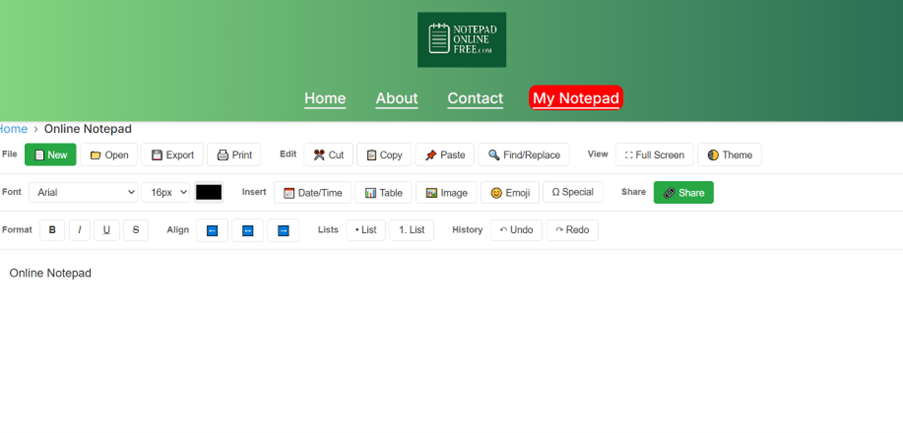
A clean writing page with a large empty text box.

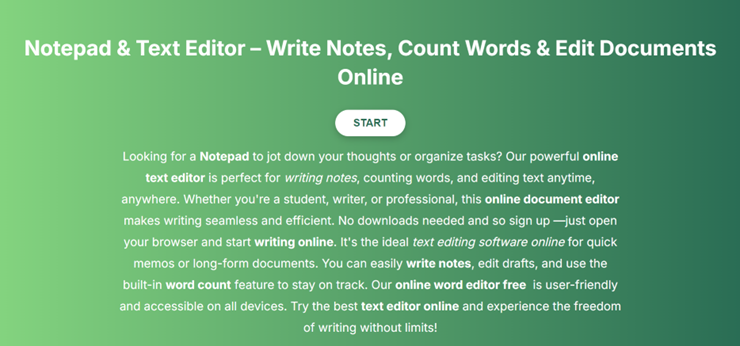
NotepadOnlineFree.com landing page screenshot showing the clean interface with START button

Step 2: Start Writing Instantly

  • Just click inside the writing area and type.
  • No account. No setup. No waiting.
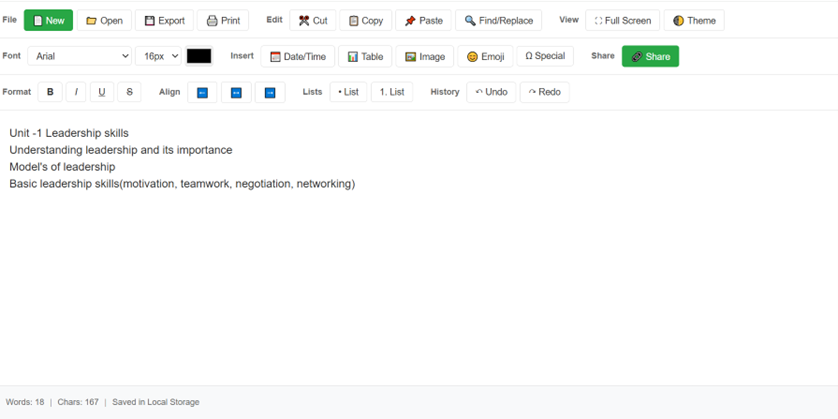
  • The tool auto-saves everything in your browser.
NotepadOnlineFree.com step by step guide

Step 3: Format Your Text

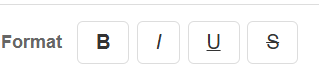
You can format your writing using the toolbar:

  • Bold
  • Italic
  • Underline
  • Font size
  • Font styles
  • Emoji button
  • Table button
NotepadOnlineFree.com format your text

Step 4: Use Word Count

  • The word counter updates automatically as you write.
  • Perfect for essays, assignments, and articles.
NotepadOnlineFree.com use word count feature

Step 5: Upload Your Text Files

You can upload .txt files and continue editing them instantly.

Step 6: Download Your Notes

Click Download to save your writing as a .txt file on your device.

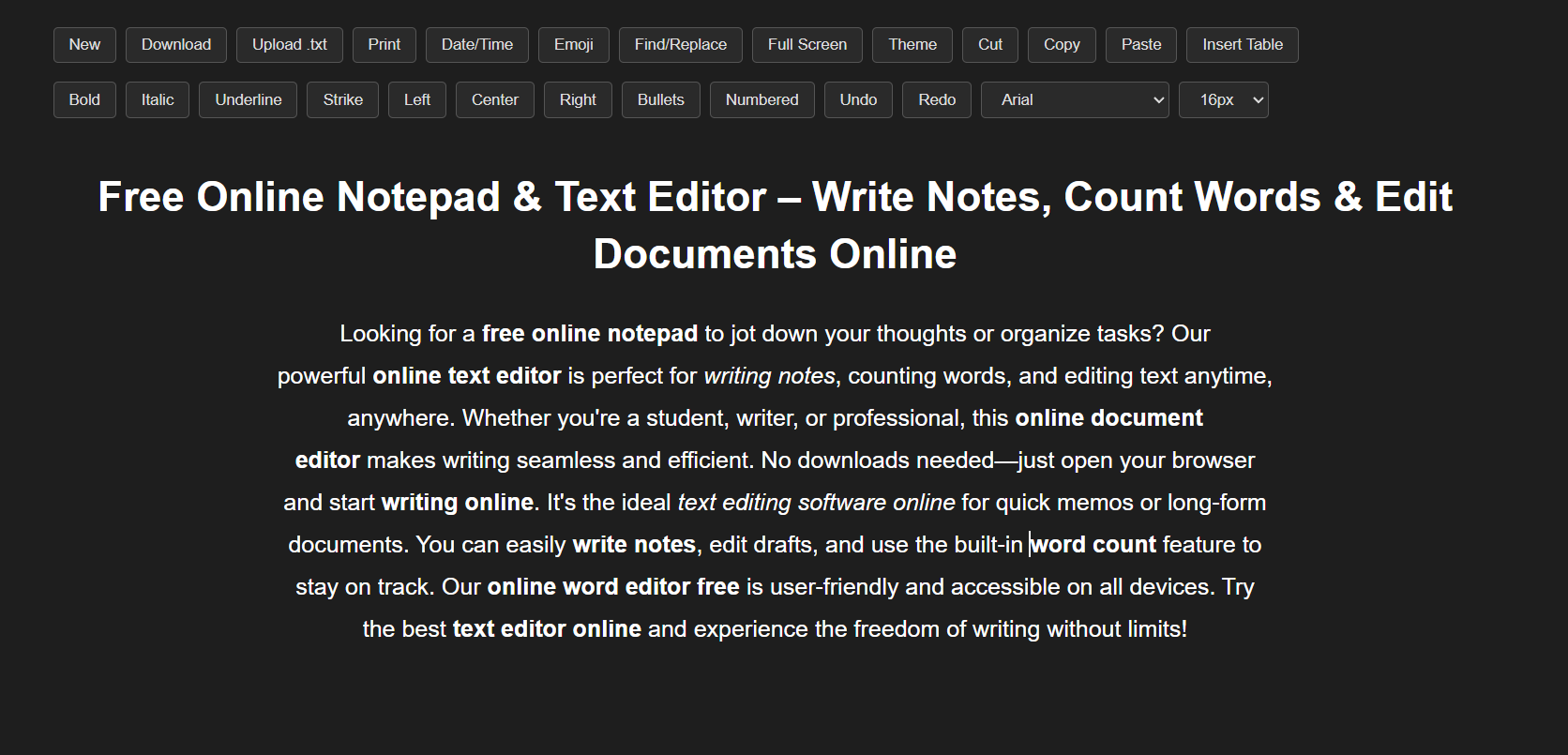
Step 7: Switch Light/Dark Mode

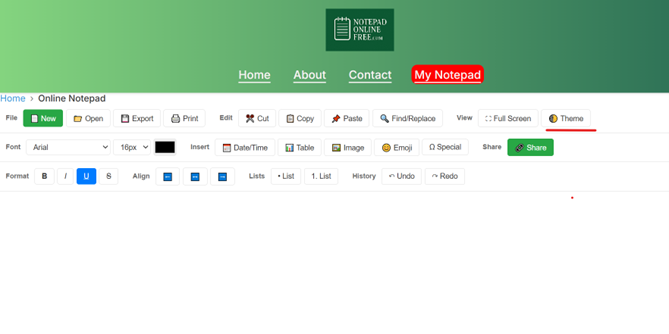
Choose the theme you like:

  • Light Mode
  • Dark Mode

One click to switch.

NotepadOnlineFree.com switch light/dark mode feature

Step 8: Go Full Screen

Remove all distractions and write with complete focus.

NotepadOnlineFree.com go full screen feature in mobile view

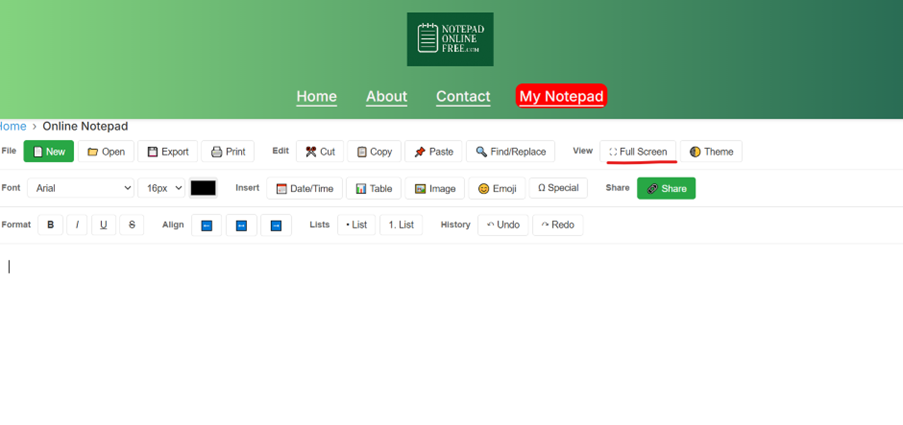
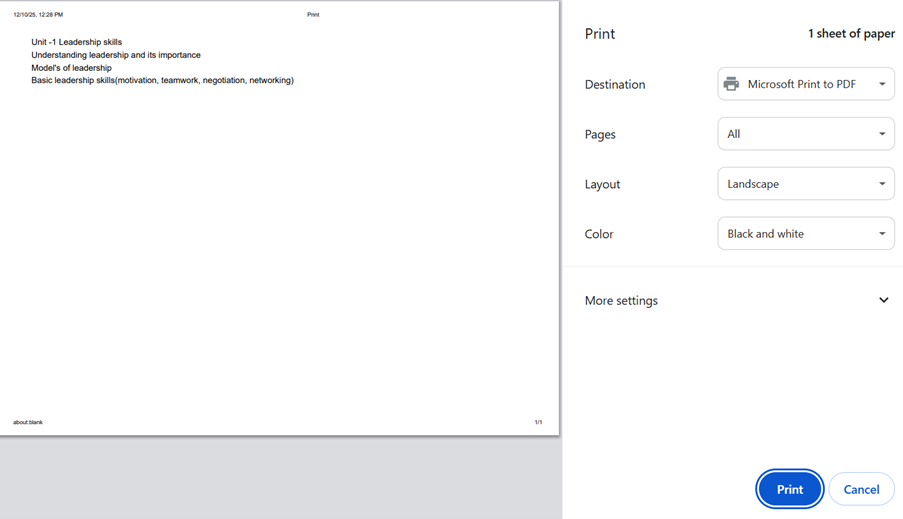
Step 9: Print or Save as PDF

Click Print to:

  • Print your notes
  • Save as a PDF file
NotepadOnlineFree.com print or save as PDF feature

Step 10: Mobile Use

The notepad works beautifully on:

  • Phones
  • Tablets
  • Laptops

Just open it in your browser and start typing.

Latest Blog Posts

01. Google Docs Alternative: Free Online Notepad Guide

Looking for a Google Docs alternative? See how a free online notepad compares for quick notes, drafts, and everyday writing tasks.

Read more →

02. Online Notepad vs Simplenote: Which Is Faster?

Online notepad vs Simplenote: which one is actually faster for quick notes? See the real differences in speed, setup, and features.

Read more →

03. Notepad Journal: How to Journal Online Every Day

Learn how to turn a simple online notepad into a daily notepad journal. Get a step-by-step guide, tips, and mistakes to avoid.

Read more →

04. Free Online Notepad: Why It's the Best Place to Draft Your AI Prompts

Use a free online notepad to draft, refine, and save your AI prompts before you send them. No login, no clutter, just a clean space to write.

Read more →

05. Online Notepad vs Notion: Best Choice in 2026

Comparing an online notepad vs Notion for note taking? See the real differences in speed, cost, and simplicity before you pick your notebook online.

Read more →

06. Online Note Taking for Students: Study Smarter With Digital Notes

Discover the best online note taking tool for students. Compare features, get study tips, and start a free digital notebook in seconds.

Read more →

07. Online Text Notepad for Developers: Quick Coding Notes Tool

Discover why developers use an online text notepad alongside their code editor for quick notes, snippets, and coding notes on the go.

Read more →

08. Free Online Notepad: The Freelancer's Fast Note Tool

Discover why freelancers should use a free online notepad for client notes, quick drafts, and staying organized across multiple projects.

Read more →

09. Online Text Editor vs Word Processor: 2026 Guide

Compare an online text editor vs word processor in 2026. Learn the key differences, benefits, use cases, and how to choose the right tool.

Read more →

10. Plain Text vs Rich Text for Taking Notes: Best Format in 2026

Compare plain text vs rich text for taking notes in 2026 and learn which format is best for organization, readability, portability, and daily use

Read more →

11. Notepad++ Download vs Online Notepad: Which One Wins?

Compare Notepad++ and an online notepad to find the right tool for quick notes, plain-text editing, coding, writing, and everyday productivity.

Read more →

12. 10 Smart Ways to Use Notes Online at Work

Discover 10 practical ways to use notes online at work for meetings, tasks, brainstorming, project planning, follow-ups, and everyday productivity.

Read more →

13. The Rise of Temporary Notepads: Write, Save, Delete — No Account Needed

Discover why temporary online notepads like NotepadOnlineFree.com are becoming the fastest, simplest, and most private way to write notes online. Write, save, delete — no account needed.

Read more →

14. Light Mode vs Dark Mode Writing: Which Helps You Focus Better?

Light Mode vs Dark Mode Writing: Which Helps You Focus Better? Learn how writing modes impact focus, clarity, productivity, eye comfort, and why NotepadOnlineFree.com is the best tool for switching instantly between modes.

Read more →

15. Micro Note Taking in 2026: The Simple Habit Proven to Boost Productivity by 42%

Micro note taking is becoming one of the most powerful productivity habits of 2026. Learn how tiny notes improve memory, reduce procrastination, and boost productivity by 42%—with research and real examples.

Read more →

16. Online Notepad LocalStorage Guide: How Your Browser Stores Notes Without Login (Beginner Tutorial)

Learn how online notepad localstorage works, how browser stores notes, and how tools like notepadonlinefree.com let you save notes without login. A full beginner-friendly LocalStorage tutorial for browser-based note taking.

Read more →

17. Best Distraction-Free Writing Tools in 2026 (No Ads, No Login Required)

Discover the top distraction free writing tools in 2026. No login, no ads, just pure focus. Explore minimal writing tools like notepadonlinefree.com for writing without distractions.

Read more →

18. How to Keep Notes Safe Without Cloud Accounts: The Ultimate Browser-Only Guide

Learn how to keep notes safe without cloud accounts using browser-only storage. Discover secure note-taking methods, offline privacy, local storage, IndexedDB, and step-by-step guides for protecting your personal information without syncing or logins.

Read more →

19. Best Online Notepad for Programmers in 2026: Store Code Snippets, Boost Productivity, and Write Faster with Minimal Tools

Discover the best online notepad for programmers in 2026. Learn how to store code snippets, boost productivity, write faster, and use minimal distraction-free tools like notepadonlinefree.com.

Read more →

20. Make Notes 5x Faster: The Complete Students' Guide to Using an Online Notepad Effectively

Learn how to make notes 5x faster using an online notepad. This complete students' guide covers fast note-taking tools, digital study techniques, exam preparation strategies, browser-based note-taking efficiency, and tips for mastering online note-taking in 2026.

Read more →

21. Never Lose Notes Again: How Browser Auto-Save Works and Why It's Essential Today

Learn how browser auto-save works, why it's essential today, how online notepad autosave prevents losing notes, and how tools like notepadonlinefree.com protect your content using Local Storage.

Read more →

Frequently Asked Questions

Is notepadonlinefree.com really free to use?

+

Yes! Our online notepad is 100% free and will always remain free. No hidden charges or premium plans.

Does using this notepad require me to create an account?

+

No, you don't need to sign up or log in. Just visit the website and start typing instantly.

Can I save my notes online?

+

Your notes are saved locally in your browser automatically. You can also download or print them anytime.

Does it work on mobile devices?

+

Yes, our notepad is fully responsive and works seamlessly on mobile, tablet, and desktop browsers.

Is my data safe on notepadonlinefree.com?

+

Absolutely! Your browser stores your notes locally. We don't collect or store your personal data.

Which browsers are supported?

+

Google Chrome, Firefox, Safari, Edge, Opera, Brave, and the majority of mobile browsers on iOS and Android all function flawlessly with notepadonlinefree.com.

Can I use the notepad offline?

+

Yes, once the page is loaded, you can continue writing offline. Notes will stay saved in your browser until you clear your cache.

Does notepadonlinefree.com support text formatting?

+

Yes, you can format your text with basic tools like bold, italic, underline, and even use emojis while writing.

Can I print my notes directly?

+

Yes, our online notepad has a built-in print option so you can quickly print your notes with one click.

Is notepadonlinefree.com safe for students and professionals?

+

Definitely. It's designed for students, writers, bloggers, and professionals who need a simple, distraction-free writing tool.

Do I need to install any software or app?

+

No installation required. Just open notepadonlinefree.com in your browser and start typing instantly—no downloads or plugins needed.

Will my notes disappear if I clear my browser cache?

+

Yes, since notes are stored locally in your browser storage, clearing cache or using incognito mode will remove them. To keep notes permanently, download them as a file.