Notepad & Text Editor – Write Notes, Count Words & Edit Documents Online


If you're searching for a clean, simple, and reliable space to write notes or edit documents online, our powerful document editor gives you everything you need in one place. Whether you're organizing your thoughts, preparing work files, or drafting ideas for school, this tool makes it easy to make notes, track your word count, and work efficiently from any device.

Our platform is designed for students, writers, professionals, and anyone who wants a fast, distraction-free environment. No downloads and no sign-up required—just open the site and start typing. With this intuitive online word editor, you can create, edit, and manage your word documents with complete ease.

The interface is simple, fast, and accessible on all devices, making it the perfect online notepad editor for capturing ideas and storing your notes. Whether you're writing long-form content or simply taking quick notes online, our tool gives you a smooth and effortless writing experience.

This advanced online editor for text lets you edit, format, and review your content instantly. You can also create and manage your online word document without any software or complicated setup. Whether you're working on a small note or a detailed document word file, our platform adapts to your workflow.

Experience a flexible and efficient text editing software online designed to simplify your writing tasks and help you manage your documents online with complete convenience. Write, edit, save, and export—anytime, anywhere.
Overview

Online Notepad and Text Editor Overview

Looking for a simple, fast, and reliable way to write notes or edit documents online?

At notepadonlinefree.com, you can create, edit, and save text instantly—without downloads, sign-ups, or distractions. Our free online notepad is designed to be clean, lightweight, and perfect for everyday writing.

Whether you need a powerful online text editor, a quick place to store ideas, or a smooth document editor, our tool makes writing effortless. You can easily take notes, check spelling online, and get an instant word count with one click. From short reminders to full-length documents, our online word editor supports every writing need.

Students, professionals, writers, and everyday users love our simple interface and fast performance. Create a notes page, organize your thoughts, or edit any online word document with ease. Everything happens directly in your browser—no installations, no setup.

At notepadonlinefree.com, you can:

  • Write and save notes instantly
  • Edit documents online
  • Get real-time word and character counts
  • Use built-in spell check
  • Create and manage text files freely
  • Enjoy a clean, distraction-free writing space

Whether you're jotting down quick ideas or working on full projects, our free online notepad gives you a smooth, unlimited writing experience. Just open the page and start typing—it's that simple.

Write online without limits.

Experience fast, free, and easy note-taking at notepadonlinefree.com.

Features of Notepad

Downloads

Easily save your work for free. Just click the download button to export it to your device.

Local Storage

Your notes are saved in your browser automatically. Refresh or close the site, and your work stays safe.

Print

Print your notes directly from the notepad with just one click. It's that simple!

Upload Txt Files

Upload and edit your own .txt files without hassle. It's fast and secure.

Emoji

Add personality to your notes with easy emoji insertion—make your content fun!

Full Screen

Work with fewer distractions using our full screen writing mode.

Table

Create custom tables with rows and columns to better organize your content.

Font Family

Switch between fonts and sizes to improve clarity and reading experience.

Theme

Toggle between light and dark mode for eye comfort at any time of day.

No Login & Sign up

No registration needed. Just visit and start typing instantly!

Free of Cost

Our platform is and will always remain 100% free for users.

Easy Support

Need help? Visit our Contact page and reach us by email.

How to Use Notepad Online Free - Complete Step-by-Step Guide

Welcome to the complete guide on how to use notepadonlinefree.com. This online notepad is built to be simple, but it's packed with features that make writing notes online easier and more efficient. Let's walk through everything step by step.

Step 1: Open the Website

What to do:

Go to NotepadOnlineFree.com in any browser.

What you'll see:

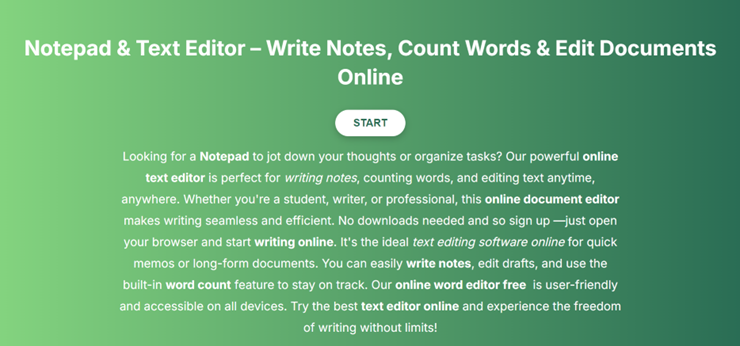
A clean writing page with a large empty text box.

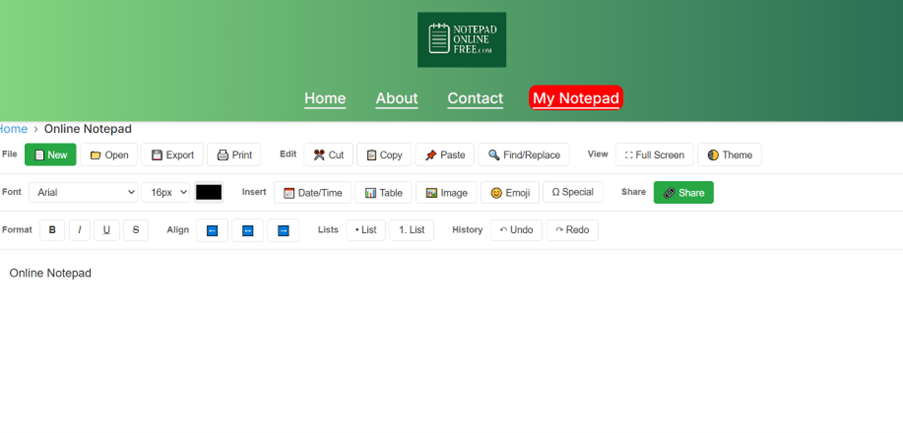
NotepadOnlineFree.com landing page screenshot showing the clean interface with START button

Step 2: Start Writing Instantly

  • Just click inside the writing area and type.
  • No account. No setup. No waiting.
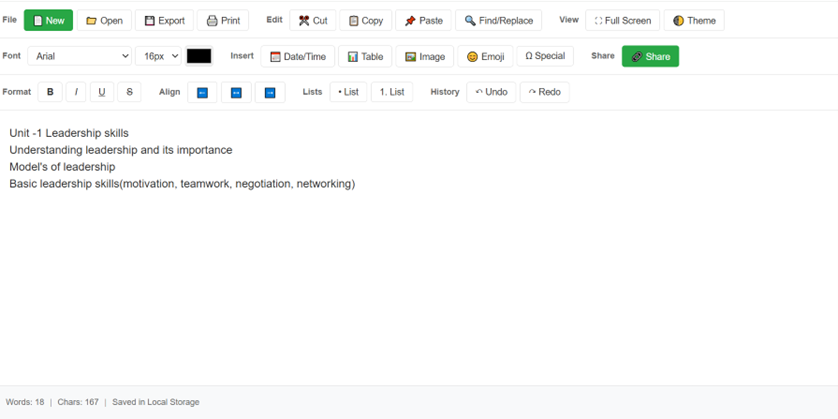
  • The tool auto-saves everything in your browser.
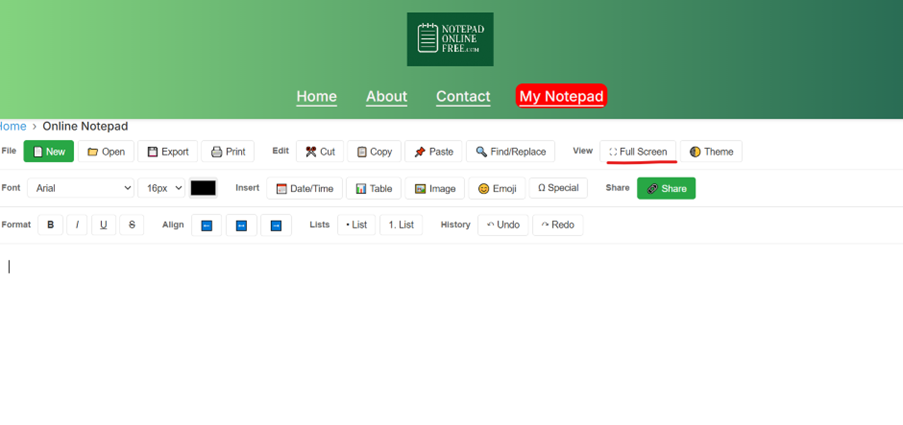
NotepadOnlineFree.com step by step guide

Step 3: Format Your Text

You can format your writing using the toolbar:

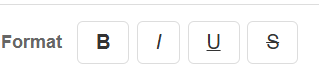
  • Bold
  • Italic
  • Underline
  • Font size
  • Font styles
  • Emoji button
  • Table button
NotepadOnlineFree.com format your text

Step 4: Use Word Count

  • The word counter updates automatically as you write.
  • Perfect for essays, assignments, and articles.
NotepadOnlineFree.com use word count feature

Step 5: Upload Your Text Files

You can upload .txt files and continue editing them instantly.

Step 6: Download Your Notes

Click Download to save your writing as a .txt file on your device.

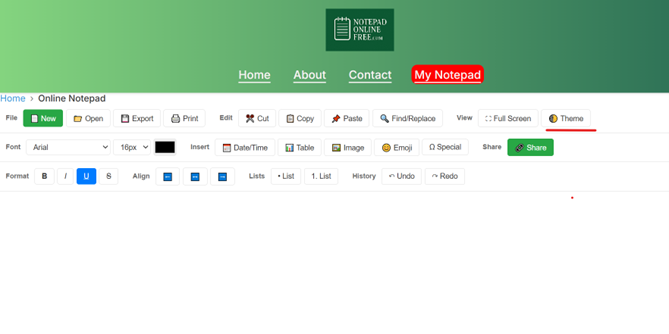
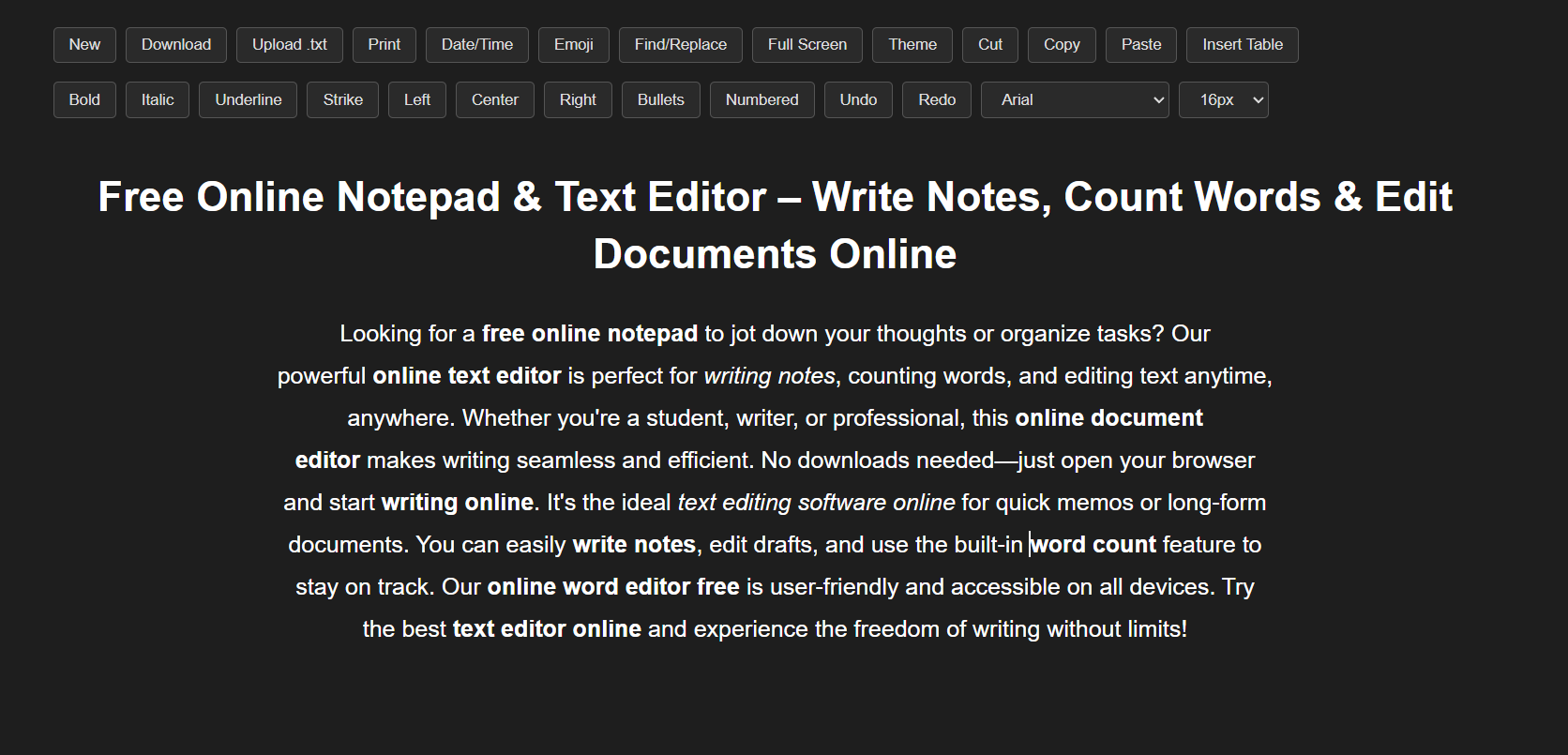
Step 7: Switch Light/Dark Mode

Choose the theme you like:

  • Light Mode
  • Dark Mode

One click to switch.

NotepadOnlineFree.com switch light/dark mode feature

Step 8: Go Full Screen

Remove all distractions and write with complete focus.

NotepadOnlineFree.com go full screen feature in mobile view

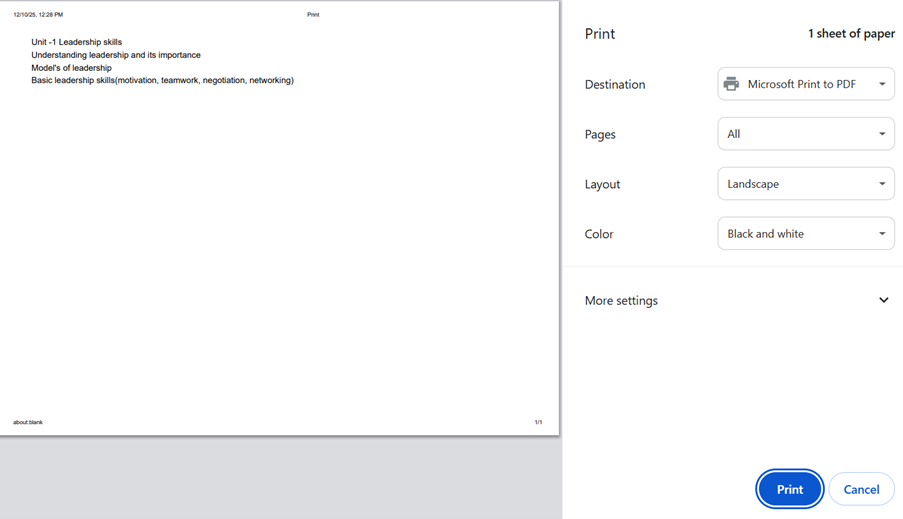
Step 9: Print or Save as PDF

Click Print to:

  • Print your notes
  • Save as a PDF file
NotepadOnlineFree.com print or save as PDF feature

Step 10: Mobile Use

The notepad works beautifully on:

  • Phones
  • Tablets
  • Laptops

Just open it in your browser and start typing.

Latest Blog Posts

Why Online Notepads Are Replacing Sticky Notes in 2026: The Best Online Sticky Notes Alternative

Discover why online notepads are replacing sticky notes in 2026. Learn about the rise of digital writing habits, online notepad daily use, and why tools like NotepadOnlineFree.com are the best online sticky notes alternative.

Read more →

How Online Notepads Improve Cognitive Performance: Think Faster With Modern Writing Tools

Discover how online notepads improve cognitive performance, reduce mental load, boost creativity, and help you think faster. Learn the science-backed cognitive benefits of online notepads and brain writing techniques.

Read more →

The Rise of Temporary Notepads: Write, Save, Delete — No Account Needed

Discover why temporary online notepads like NotepadOnlineFree.com are becoming the fastest, simplest, and most private way to write notes online. Write, save, delete — no account needed.

Read more →

Light Mode vs Dark Mode Writing: Which Helps You Focus Better?

Light Mode vs Dark Mode Writing: Which Helps You Focus Better? Learn how writing modes impact focus, clarity, productivity, eye comfort, and why NotepadOnlineFree.com is the best tool for switching instantly between modes.

Read more →

Instant Notes: Why People Are Switching from Note Apps to Browser Typing Tools in 2026

Discover why people in 2026 are switching from traditional note apps to browser typing tools. Learn how instant notes, speed, simplicity, and tools like NotepadOnlineFree.com are transforming productivity.

Read more →

Micro Note Taking in 2026: The Simple Habit Proven to Boost Productivity by 42%

Micro note taking is becoming one of the most powerful productivity habits of 2026. Learn how tiny notes improve memory, reduce procrastination, and boost productivity by 42%—with research and real examples.

Read more →

Google NotebookLM: How AI Is Changing the Way We Learn and Take Notes Online

Discover how Google NotebookLM, an AI-powered note-taking experiment, is transforming the way we learn and organize information. Learn how it works, its features, benefits, and FAQs — explained simply for students, writers, and researchers.

Read more →

Online Notepad LocalStorage Guide: How Your Browser Stores Notes Without Login (Beginner Tutorial)

Learn how online notepad localstorage works, how browser stores notes, and how tools like notepadonlinefree.com let you save notes without login. A full beginner-friendly LocalStorage tutorial for browser-based note taking.

Read more →

Best Distraction-Free Writing Tools in 2026 (No Ads, No Login Required)

Discover the top distraction free writing tools in 2026. No login, no ads, just pure focus. Explore minimal writing tools like notepadonlinefree.com for writing without distractions.

Read more →

How to Keep Notes Safe Without Cloud Accounts: The Ultimate Browser-Only Guide

Learn how to keep notes safe without cloud accounts using browser-only storage. Discover secure note-taking methods, offline privacy, local storage, IndexedDB, and step-by-step guides for protecting your personal information without syncing or logins.

Read more →

Best Online Notepad for Programmers in 2026: Store Code Snippets, Boost Productivity, and Write Faster with Minimal Tools

Discover the best online notepad for programmers in 2026. Learn how to store code snippets, boost productivity, write faster, and use minimal distraction-free tools like notepadonlinefree.com.

Read more →

Make Notes 5x Faster: The Complete Students' Guide to Using an Online Notepad Effectively

Learn how to make notes 5x faster using an online notepad. This complete students' guide covers fast note-taking tools, digital study techniques, exam preparation strategies, browser-based note-taking efficiency, and tips for mastering online note-taking in 2026.

Read more →

Never Lose Notes Again: How Browser Auto-Save Works and Why It's Essential Today

Learn how browser auto-save works, why it's essential today, how online notepad autosave prevents losing notes, and how tools like notepadonlinefree.com protect your content using Local Storage.

Read more →

The Ultimate Guide to Brainstorming with Online Notepads: Tips, Tools & Templates Inside

Learn how to brainstorm effectively using online notepads with templates, tools, techniques, and free resources. Explore mind maps, SWOT, 5W1H, creative sprints, content calendars, and more with platforms like notepadonlinefree.com.

Read more →

Best Online Notepad for Mobile (2026): Fast, Free & Perfect for Android & iPhone

Discover the best online notepad for mobile in 2026. Fast, free, and perfect for Android & iPhone users. Learn why notepadonlinefree.com is the top mobile-friendly writing tool for students, professionals, and writers.

Read more →

Online Notepads vs Desktop Apps: 10 Hidden Perks That Change Everything

Discover the hidden advantages of online notepads vs desktop apps. Learn how universal access, automatic backups, collaboration, and advanced search make online notepad tools more powerful and efficient.

Read more →

How Remote Teams Use Online Notepads for Collaboration: The Complete 2026 Guide

Discover how remote teams use online notepads for collaboration in 2026. Learn essential features, best practices, security tips, and how tools like notepadonlinefree.com enhance remote team productivity.

Read more →

Best Productivity & Collaboration Tools in 2026: ChatGPT, Miro, Gemini, and Perplexity

In today's fast world, teams and individuals need smart tools to manage work, track tasks, collaborate, and stay productive.

Read more →

Frequently Asked Questions

Is notepadonlinefree.com really free to use?

+

Yes! Our online notepad is 100% free and will always remain free. No hidden charges or premium plans.

Does using this notepad require me to create an account?

+

No, you don't need to sign up or log in. Just visit the website and start typing instantly.

Can I save my notes online?

+

Your notes are saved locally in your browser automatically. You can also download or print them anytime.

Does it work on mobile devices?

+

Yes, our notepad is fully responsive and works seamlessly on mobile, tablet, and desktop browsers.

Is my data safe on notepadonlinefree.com?

+

Absolutely! Your browser stores your notes locally. We don't collect or store your personal data.

Which browsers are supported?

+

Google Chrome, Firefox, Safari, Edge, Opera, Brave, and the majority of mobile browsers on iOS and Android all function flawlessly with notepadonlinefree.com.

Can I use the notepad offline?

+

Yes, once the page is loaded, you can continue writing offline. Notes will stay saved in your browser until you clear your cache.

Does notepadonlinefree.com support text formatting?

+

Yes, you can format your text with basic tools like bold, italic, underline, and even use emojis while writing.

Can I print my notes directly?

+

Yes, our online notepad has a built-in print option so you can quickly print your notes with one click.

Is notepadonlinefree.com safe for students and professionals?

+

Definitely. It's designed for students, writers, bloggers, and professionals who need a simple, distraction-free writing tool.

Do I need to install any software or app?

+

No installation required. Just open notepadonlinefree.com in your browser and start typing instantly—no downloads or plugins needed.

Will my notes disappear if I clear my browser cache?

+

Yes, since notes are stored locally in your browser storage, clearing cache or using incognito mode will remove them. To keep notes permanently, download them as a file.